
Overview
What is the Loan Calculator?
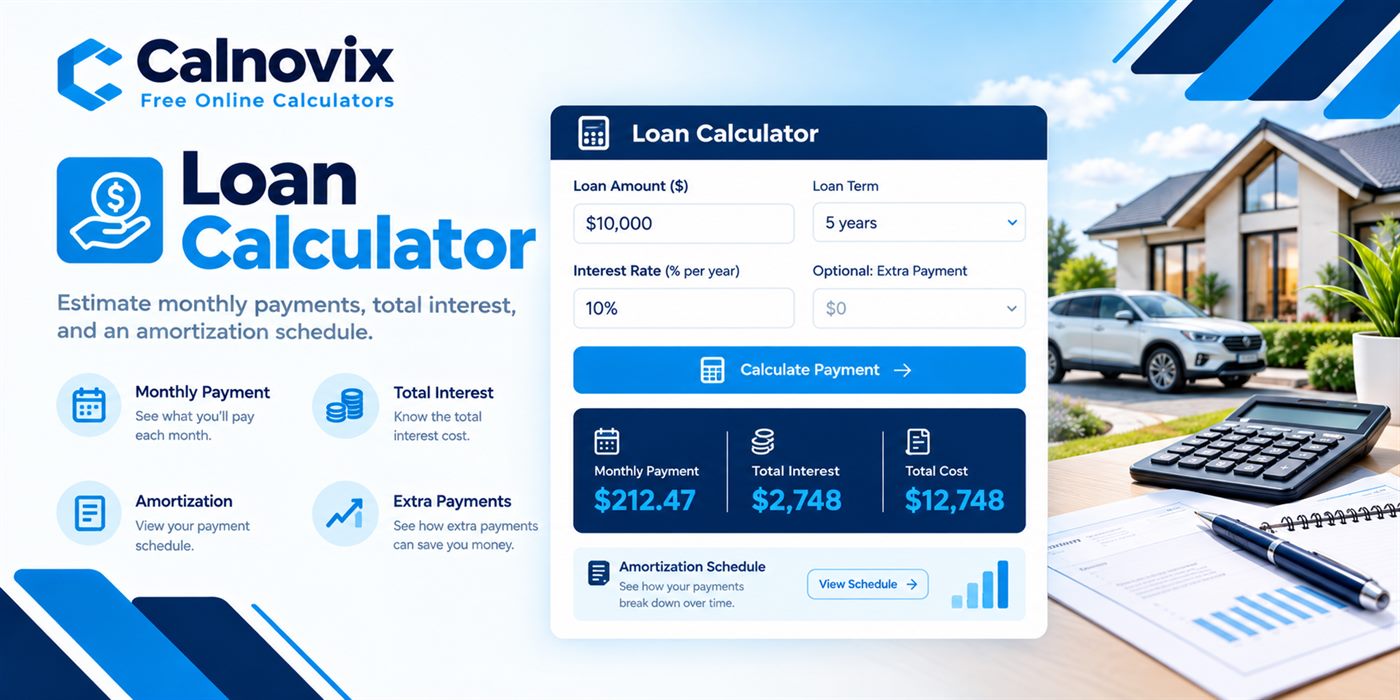
A loan payment calculator solves for the level monthly payment on a fixed-rate amortizing loan. You enter the amount borrowed (principal), the annual interest rate, and the term. The tool returns the payment required to retire the loan over that term, plus the cumulative interest and an optional schedule. It is not designed for credit-card minimums, revolving lines of credit, or open-ended HELOCs, which use different payment rules.
Before you accept a lender’s quote, it helps to know what a fixed monthly payment actually buys you — how much goes to interest, how much retires principal, and how an extra payment changes the payoff date. This free loan calculator estimates payment, total interest, and total cost for fixed installment loans such as auto, personal, RV, and many closed-end business loans, then builds an amortization schedule you can scan month by month.
Workflow
How does it work?
Interest for each period is based on the remaining balance. Early payments are usually interest-heavy; later payments shift toward principal. The calculator finds one constant payment that clears the balance after the chosen number of months. If you add an extra monthly amount, that surplus is applied to principal, which can shorten the schedule and reduce total interest. A zero rate simply divides principal by the number of months.
Enter the loan amount after your down payment (the sum you will actually finance).
Choose a term in years or months — match the offer you are comparing.
Enter the annual interest rate (APR) from the quote or estimate.
Optionally add an extra monthly payment toward principal.
Review monthly payment, total interest, total cost, and open the amortization schedule.
Change one input at a time (rate, term, or extras) to compare scenarios side by side.
Math
Formula
M = P × r(1+r)^n ÷ ((1+r)^n − 1)
For a fixed-rate amortizing loan, M is the monthly payment, P is principal, r is the monthly interest rate (APR ÷ 12, as a decimal), and n is the number of months. The formula produces a constant payment that covers interest and principal so the balance reaches zero at month n. If the rate is zero, M = P ÷ n. Extra monthly payments reduce principal faster than this base schedule; the calculator reapplies remaining payments against the new balance pattern in the amortization table.
Inputs
Step-by-step variables
P
Principal (loan amount)
The amount financed after down payment. Do not include taxes or fees unless your lender is rolling them into the loan.
APR
Annual percentage rate
The yearly interest rate used to derive the monthly rate r. Promotional rates may change later on adjustable products — this tool assumes the rate stays fixed.
r
Monthly interest rate
APR expressed as a decimal and divided by 12. Example: 6% APR → r = 0.06 ÷ 12 = 0.005.
n
Number of months
Loan term converted to months (years × 12). A five-year loan has n = 60.
M
Monthly payment
The level installment that amortizes the loan over n months at rate r, before any optional extras.
Extra
Extra monthly payment
Optional dollars added each month and applied to principal. This can cut interest and shorten the payoff timeline.
Practice
Step-by-step examples
Personal loan at 10% for five years
You borrow $10,000 for 60 months at 10% APR with no extra payments.
Monthly payment is about $212.47. Over the full term you pay roughly $2,748 in interest and about $12,748 in total. Open the schedule to see early months dominated by interest.
On site
Real-life examples
Choosing a three-year vs five-year auto loan
A buyer finances $35,000 at 5% APR and compares a 36-month term with a 60-month term.
The three-year payment is higher each month, but total interest is substantially lower than the five-year option. Use both runs to decide whether cash flow or lifetime interest matters more for your budget.
Where it helps
Use cases
- Comparing auto loan terms before visiting a dealership desk
- Estimating personal-loan payments for consolidation or a large purchase
- Stress-testing how a half-point rate change affects monthly cash flow
- Seeing whether a modest extra payment is worth the tighter budget
- Explaining amortization to a partner or client with a month-by-month table
Avoid these
Common mistakes
- Entering the full vehicle price instead of the amount financed after down payment
- Using a teaser rate that only lasts a few months on an adjustable product
- Forgetting taxes, documentation fees, or insurance when those are rolled into the loan
- Comparing loans with different terms without looking at total interest
- Treating the calculator result as a credit approval or binding offer
- Ignoring prepayment rules or penalties in your actual loan contract
Buying & planning
Tips
- Hold the loan amount constant while you change only the term — that isolates the payment vs interest trade-off.
- A small APR difference compounds on large principals; round carefully when comparing quotes.
- If your budget allows, model $25–$100 extra per month and note the months saved.
- Match the term length to how long you will keep the asset — especially for cars that depreciate quickly.
- Print or copy the schedule when you negotiate so you are not relying on memory of the payment alone.
- Confirm whether the quoted rate is fixed for the full term before you rely on this estimate.
Need the bigger picture? Read our calculator disclaimer and accuracy policy.